 Pigeon Post
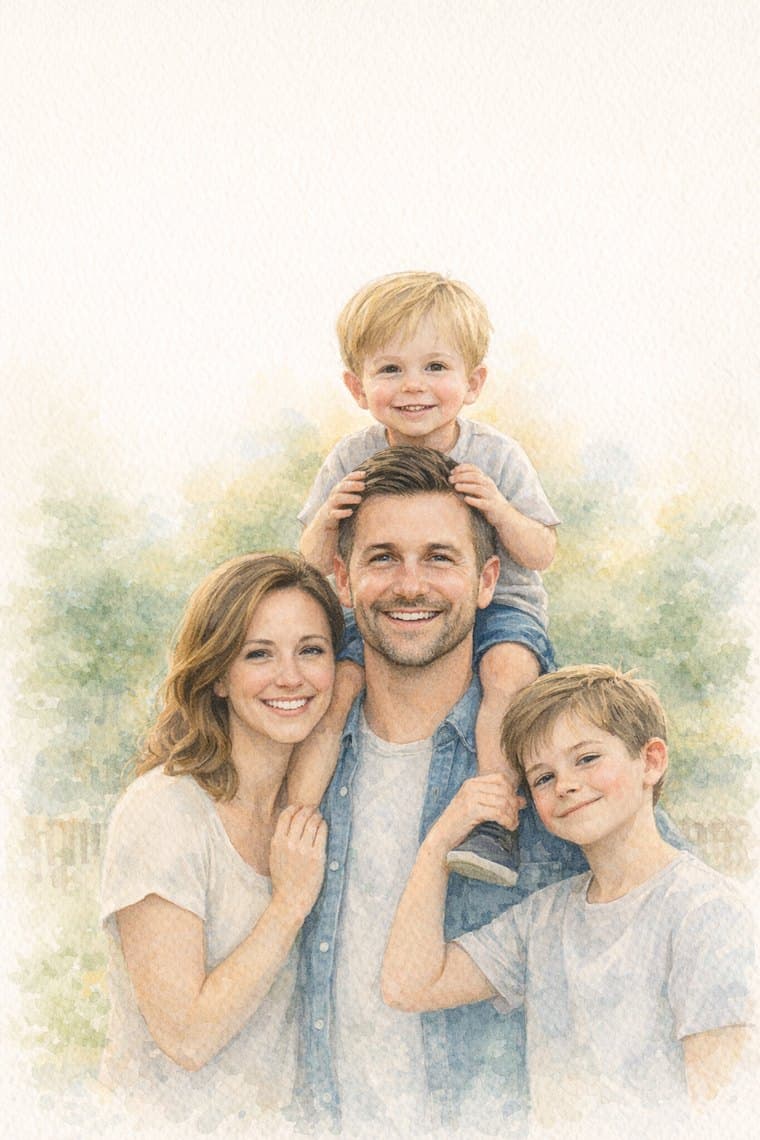
See your family as a watercolor.
Free, in seconds. Then put it on Grandma's Christmas card.
Free. No account needed.

 Pigeon Post
Free, in seconds. Then put it on Grandma's Christmas card.
Free. No account needed.
Your photo comes back as an illustrated watercolor of your family. It's free to save and share. Each shared image carries a small Made with Pigeon Post mark in the corner, like an artist's signature.
Nothing is public. When you share, you get a private link that only people you send it to can open, and you can remove it anytime.
Love it? One tap puts the same watercolor on the front of a Christmas card for Grandma. Add a message and a short video from the kids, and we print the card and mail it to her. Your first card is free, printed and mailed.
Faces first. Pick a photo where you can see everyone's face clearly.
Close is better than wide. A photo where your family fills most of the frame makes a better watercolor than a tiny family in front of a big view.
Good light helps. Daylight near a window or outside in the shade works well. Very dark indoor photos lose detail.
Skip heavy filters, and any phone photo is fine. The photo from last weekend is plenty.